15 Creative QR Code Designs That Still Scan
Creative QR design ideas that preserve contrast, quiet zones, finder patterns, error correction, and real-world scannability.
TL;DR
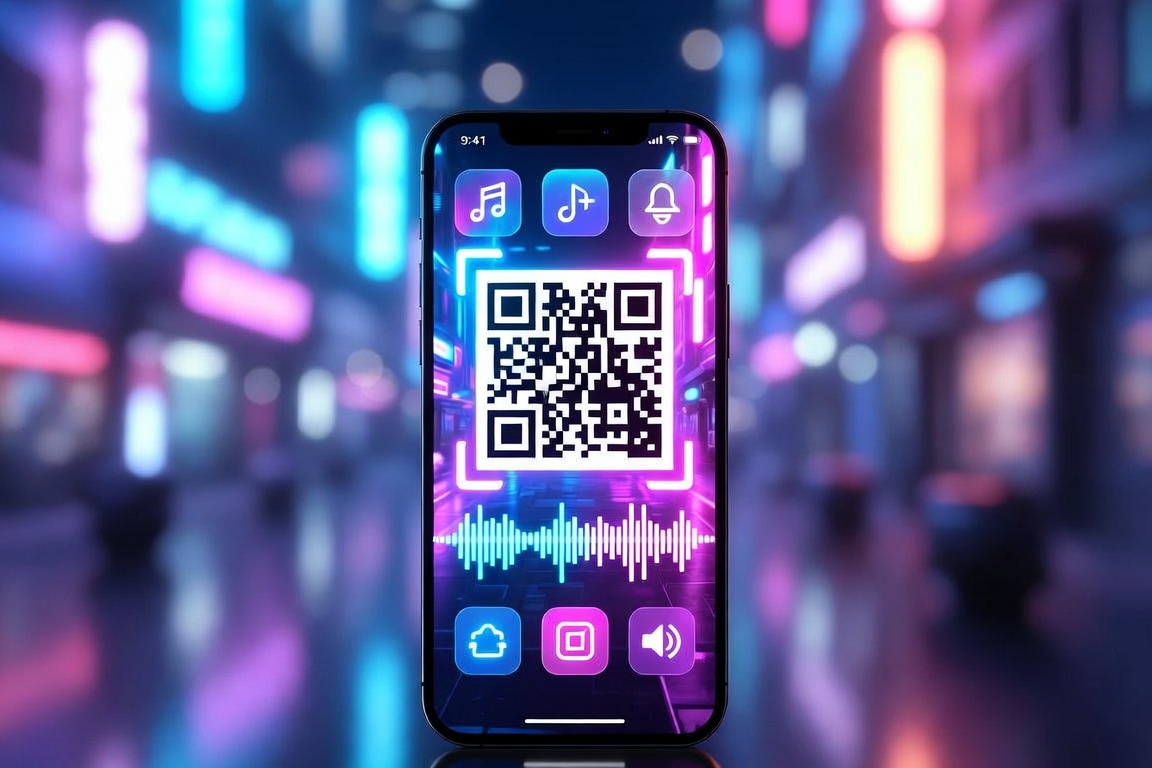
Creativity should live around the code more than inside it. Preserve contrast, the quiet zone, three finder patterns, adequate size, and error-correction headroom; then test every exported design on multiple phones and at final print size.
A good-looking QR code earns attention without making the scanner solve a puzzle. These approaches add personality while protecting the functional geometry.
15 Creative QR Code Designs That Still Scan
A branded color pair
Use one dark foreground and one light background with strong luminance contrast.
A restrained gradient
Keep the darkest modules consistently dark and avoid low-contrast midpoint colors.
A small centered logo
Use higher error correction and cover only a modest central area.
Rounded modules
Soften the data dots while leaving finder patterns unmistakable.
Custom finder-pattern frames
Style the corners consistently without changing their square detection logic.
A call-to-action frame
Add “Scan for menu” or another benefit outside the quiet zone.
A die-cut card
Shape the surrounding card, tag, or sticker while leaving the code rectangular.
A product silhouette
Use the background composition to suggest the product without obscuring modules.
An illustrated border
Place leaves, tools, food, or confetti beyond the required clear margin.
A monochrome luxury treatment
Use deep ink on uncoated light stock for a minimal premium look.
A high-contrast sticker
Isolate the code from a busy package or poster with its own solid panel.
A pattern echo
Repeat squares or pixels elsewhere in the layout while keeping distance from the quiet zone.
A photographic container
Place the code on a clean sign, card, phone screen, or label inside the photo.
A seasonal frame
Change the surrounding art for holidays while reusing the same dynamic destination.
A scannable art concept
Treat art-heavy codes as a testing project, not a last-minute decoration.
Safe design vs fragile design
| Element | Safer choice | Common failure |
|---|---|---|
| Contrast | Dark code on a light field | Pastels with similar brightness |
| Logo | Small and centered with error correction | Large logo covering finder/data modules |
| Quiet zone | Four modules of clear space | Text or art touching the code |
| Testing | Final size, material, lighting, and phones | Testing only the large design file on one device |
Relevant QR code generators
Build the formats used in this guide, then test the finished code at its real size.