· Use Cases · 5 min read
QR Codes for Keeping Track of Boxes and Inventory
Stop guessing what is inside every box. Use QR codes and Qrblox to scan, organize, and track your inventory from your phone.
How QR Codes Are Transforming Box and Inventory Tracking
Whether you’re running a warehouse, managing a storage unit, or just trying to keep your garage organized, knowing what’s inside every box without opening it is a game-changer. QR codes make this possible — and surprisingly simple.
The Problem with Traditional Labeling
We’ve all been there. You label a box “Kitchen Stuff” during a move, then six months later you’re tearing through a stack of boxes trying to find the blender. Handwritten labels fade, fall off, or just don’t carry enough information. Spreadsheets help, but matching row 47 to a physical box buried in a stack is nobody’s idea of a good time.
For businesses, the stakes are even higher. Retailers lose an estimated $1.1 trillion globally each year due to inventory distortion — overstocks, out-of-stocks, and shrinkage. Small merchants and warehouse operators need a way to track inventory that’s fast, accurate, and doesn’t require expensive enterprise software.
How QR Codes Solve This
A QR code is essentially a scannable link between the physical world and digital information. Stick one on a box, and suddenly that box has a digital identity. Here’s what becomes possible:
Instant contents lookup — Scan the code and immediately see a detailed list of what’s inside, complete with photos, quantities, and notes.
Location tracking — Record where each box is stored. When you scan, you see not just what’s in it but where it belongs.
Movement history — Track when a box was moved, opened, or restocked. This creates a lightweight audit trail without barcode scanners or RFID tags.
Batch organization — Group boxes by category, shipment date, or destination. QR codes can link to organized digital records that are far richer than any printed label.
Why Merchants Are Adopting QR-Based Inventory
Small and mid-sized merchants are especially well-positioned to benefit. Unlike enterprise barcode systems that require dedicated hardware and software licenses, QR codes work with any smartphone. The barrier to entry is essentially zero.
Common use cases include:
Retail backstock — Staff scan a QR code on a storage bin to check quantities before restocking shelves.
Pop-up shops and market vendors — Vendors who move inventory between locations use QR codes to know exactly what’s in each container.
E-commerce fulfillment — Home-based sellers tag storage boxes so they can pick and pack orders quickly.
Seasonal inventory — Holiday decorations, seasonal merchandise, or event supplies that sit in storage for months get tagged so you never have to guess what’s where.
How Qrblox Helps Merchants Track Inventory
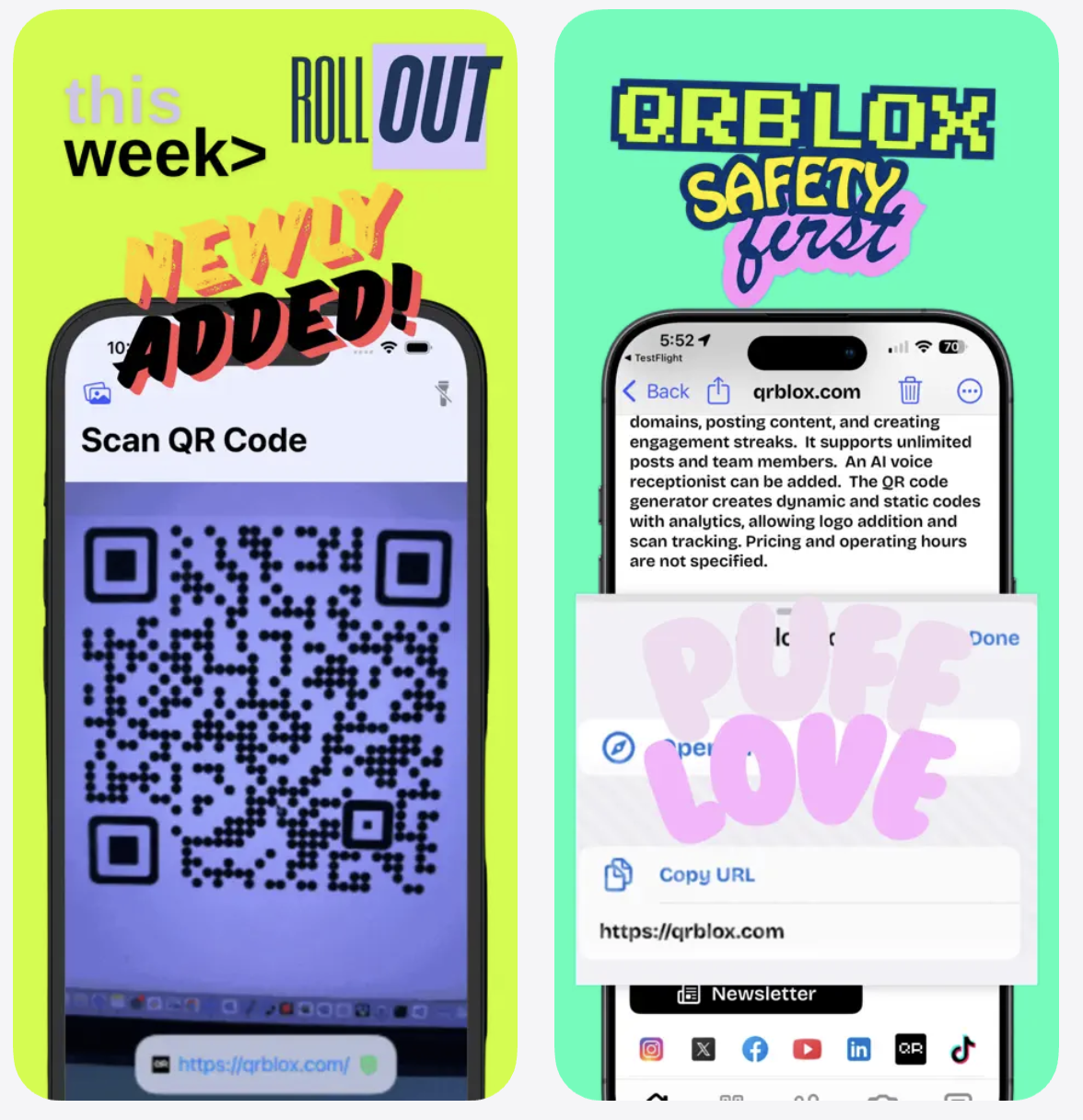
This is where Qrblox comes in. Qrblox is a free QR code app that makes it easy to scan, organize, and manage all your QR codes from your phone.
Here’s how it helps with inventory and box tracking:
Scan from photos — Took a picture of a QR code label? Just upload the image to Qrblox and it scans instantly from your photo gallery. No need to have the physical box in front of you.
History and calendar view — Every scan is logged. You can see a full history of when each box was scanned and browse by date using the calendar view. This is perfect for tracking when inventory was last checked or moved.
Location mapping — Qrblox maps your scans by location and city, so you can see where your inventory is distributed across storage sites, warehouses, or retail locations.
AI-powered details — The app uses AI to summarize the content behind each QR code. If your codes link to inventory sheets or product pages, you get a quick summary without opening a browser.
Free QR code generator — Need to create QR codes for your boxes? Qrblox includes a free generator both in the app and on the desktop site. Create custom codes that link to your inventory records, spreadsheets, or product listings.
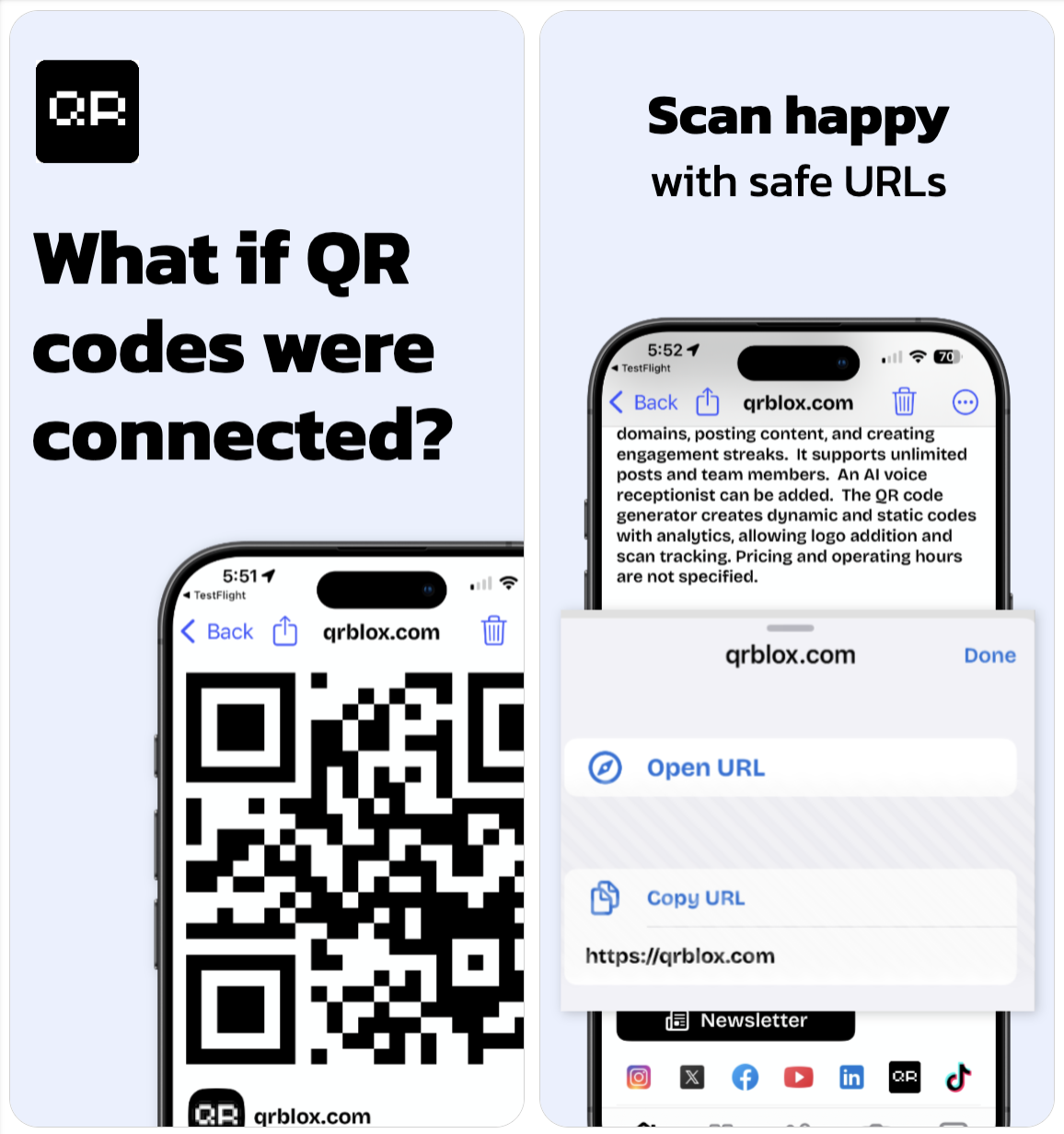
Safe URL inspection — Before visiting any link, Qrblox lets you preview and inspect URLs. This is especially useful when scanning codes from suppliers or third-party shipments where you want to verify the link is legitimate.
Feed updates — Connect to QR code feeds to get updates when linked content changes, like when inventory counts are updated or new items are added to a catalog.
Getting Started
The setup is straightforward:
Create your inventory records — Use a spreadsheet, a simple web page, or any online document that lists box contents.
Generate QR codes — Use the free generator at Qrblox.com to create a QR code for each record.
Print and attach — Stick the QR codes on your boxes, bins, or shelves.
Scan with Qrblox — Use the app to scan codes as you work. Your scan history builds automatically, giving you a running log of your inventory activity.
The Bottom Line
QR codes are one of the simplest, most cost-effective tools for inventory tracking available today. You don’t need expensive software or hardware — just a smartphone and a free app like Qrblox. Whether you’re a merchant managing backstock, a vendor tracking shipments, or someone who just wants to know what’s in that box in the attic, QR codes paired with Qrblox give you instant, organized access to your inventory from anywhere.
Start tracking your inventory with QR codes
Qrblox makes it easy to scan, organize, and manage QR codes from your phone — completely free.