· Troubleshooting · 2 min read
QR Code Not Working on iPhone? Fix It with Qrblox
Step-by-step fixes for QR codes not working on iPhone — plus how Qrblox makes scanning more reliable.
QR Code Not Working on iPhone? Fix It with Qrblox
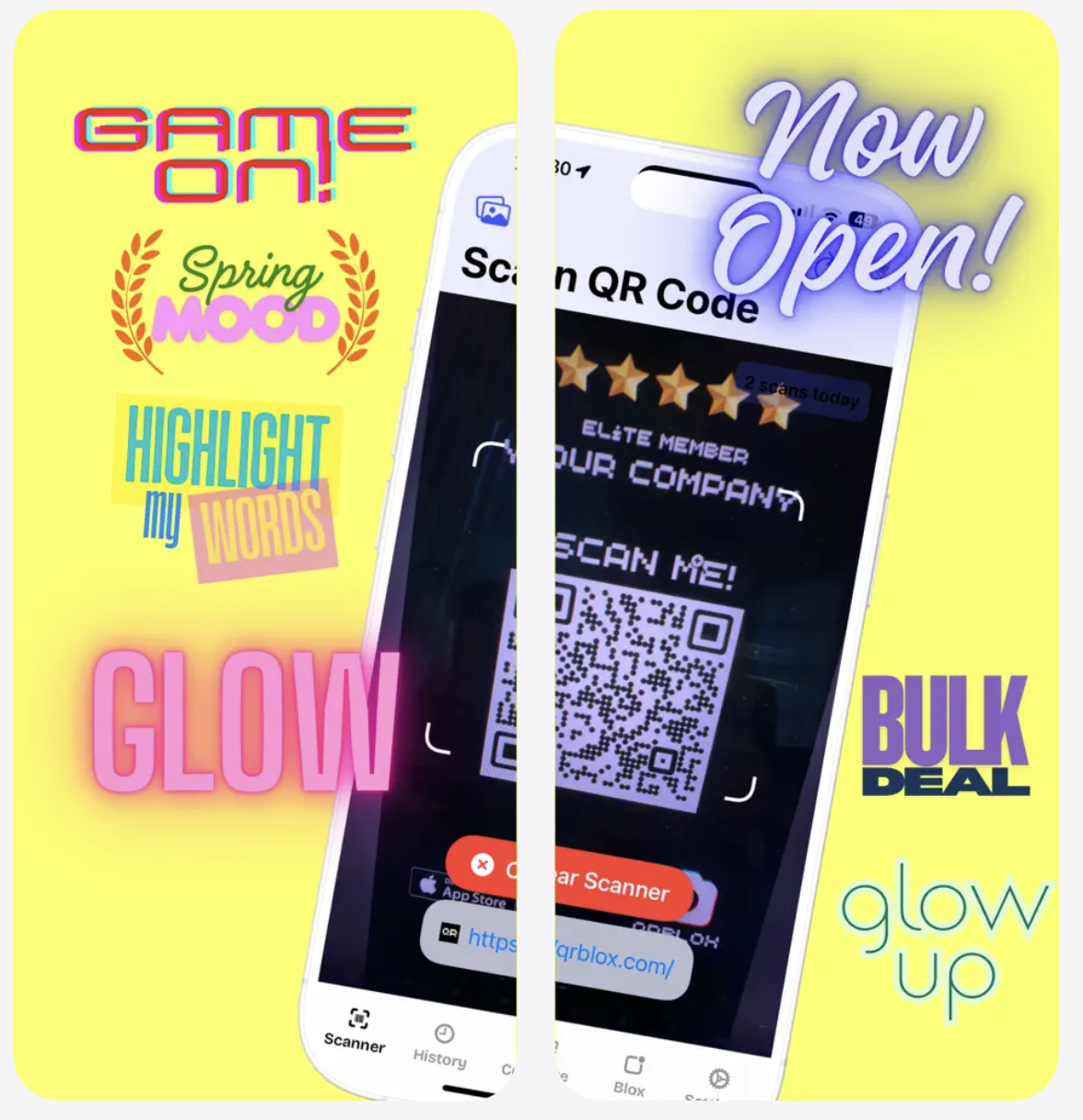
If your iPhone camera won’t read a QR code, or the code opens the wrong page, you’re not alone. In this guide, we’ll walk through simple fixes and show you how Qrblox gives you a more reliable QR code scanning experience.
Quick Fixes with Qrblox
- Open Qrblox instead of the default camera.
- Hold your phone steady and fill most of the screen with the QR code.
- Use the built-in flashlight icon in low light.
- Try again from a slightly different angle to reduce glare.
FAQs: QR Code Not Working on iPhone
1. Why won’t my iPhone camera recognize the QR code?
Common reasons include low light, glare, a damaged QR code, or your camera setting being disabled. With Qrblox, you get a tuned scanner that’s more forgiving of poor lighting and slightly damaged codes.
2. How do I turn on QR code scanning in my iPhone settings?
Go to Settings → Camera → Scan QR Codes and make sure the toggle is enabled. If you’re using Qrblox, the app handles scanning directly and doesn’t rely on that toggle.
3. What if the QR code opens the wrong website?
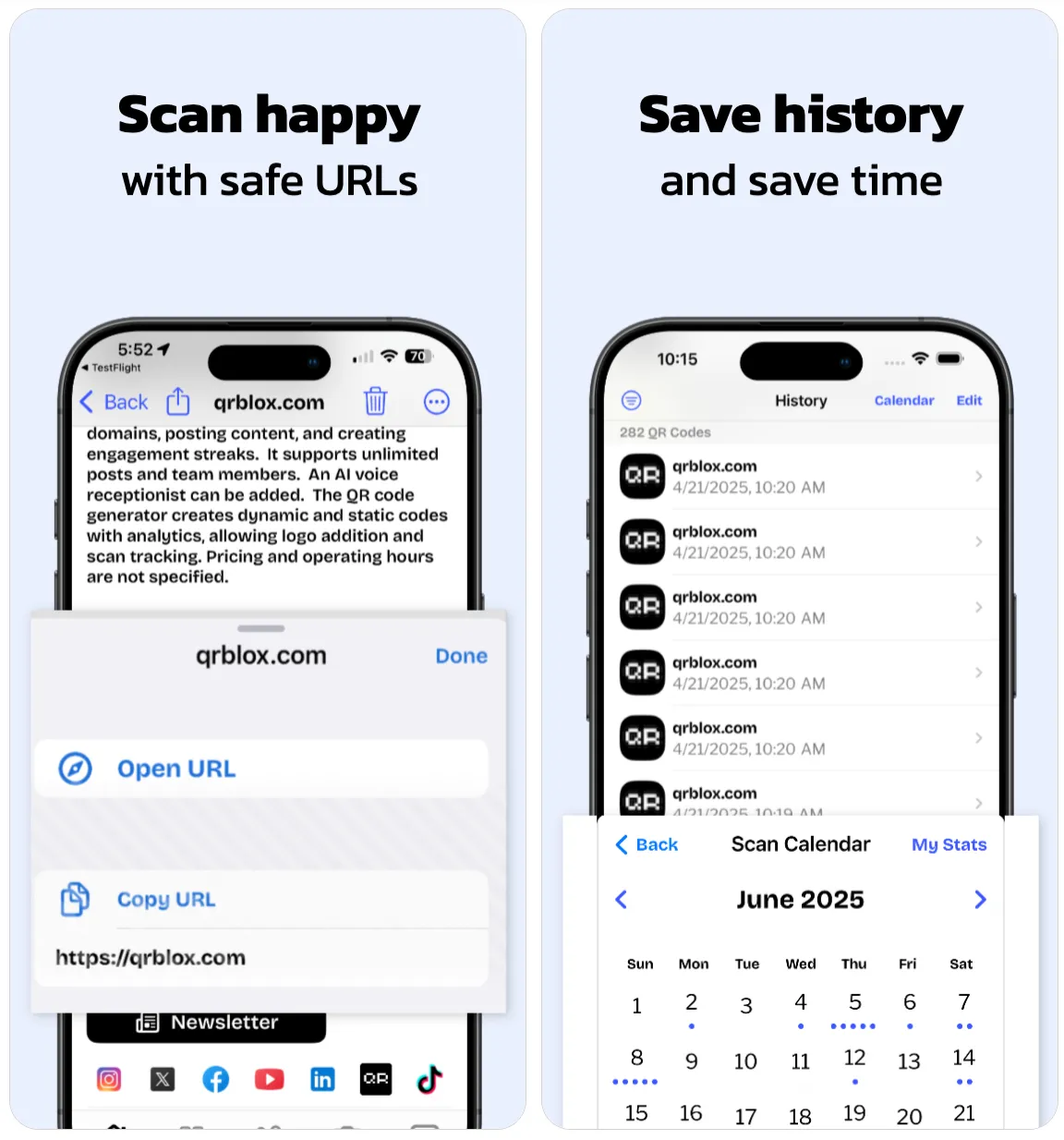
You may be scanning an outdated or misconfigured code. Use Qrblox to preview the URL before opening it, so you can confirm the destination is correct and safe.
4. Why do printed QR codes sometimes fail?
Low-resolution printing, smudges, or too small a code can confuse standard camera apps. Qrblox uses better decoding to rescue many “almost broken” codes.
5. Can I scan QR codes from screenshots or photos?
Yes. Open Qrblox, choose to import a photo from your gallery, and the app will scan any codes inside the image.
6. Do I need internet to scan QR codes?
You can scan without internet, but opening the website or app link requires a connection. Qrblox lets you scan and preview the link first, then open it later when you’re online.
7. Are some QR codes iPhone-only or Android-only?
Some deep links are optimized for specific platforms. Qrblox helps by detecting the underlying URL and giving you a clear preview instead of silently failing.
8. How can Qrblox help businesses reduce “QR not working” complaints?
Businesses can generate higher-quality, trackable QR codes and test them with Qrblox before printing, reducing customer frustration and print waste.
Scan QR codes with a safety preview
Qrblox helps you inspect URLs and understand destinations before you tap through.