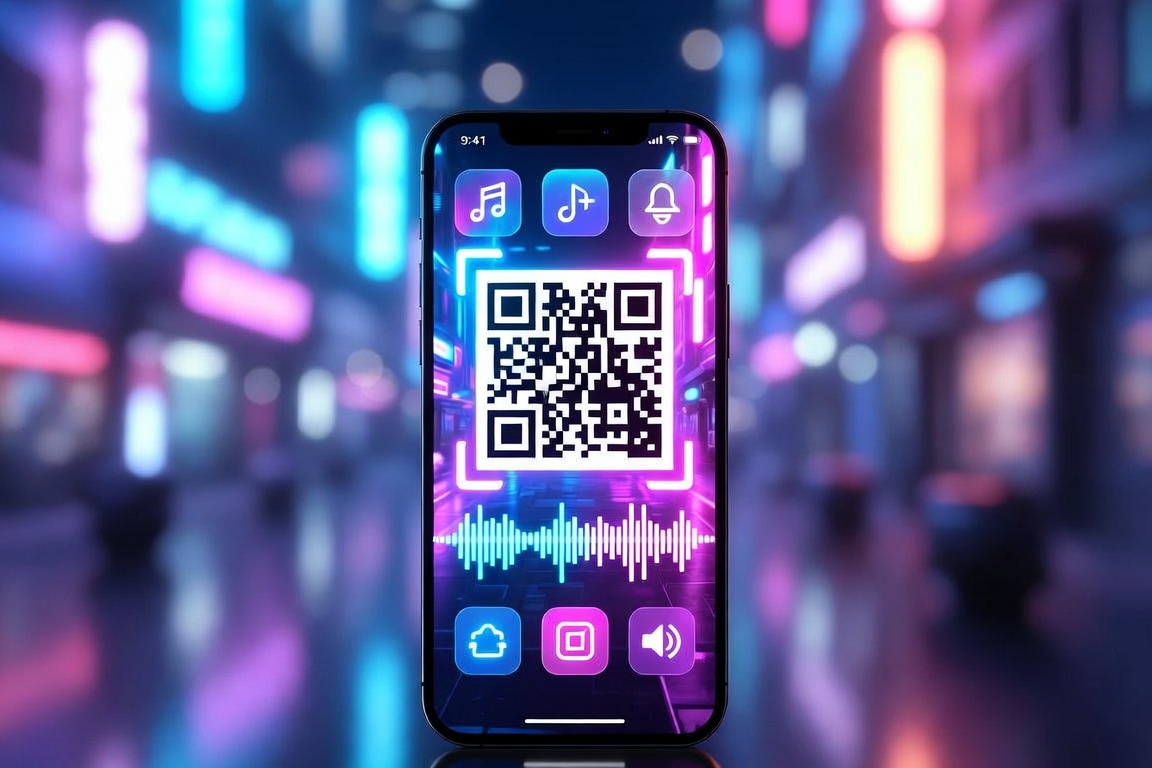
Put a Round QR on the Freebie — Open a Claim Page, Not Your Phone Number
Put one round QR on a sticker or photocard so the scan opens a Qrblox claim page (qrb.dev/f/{CODE}) with live N left — not your personal number or DMs.
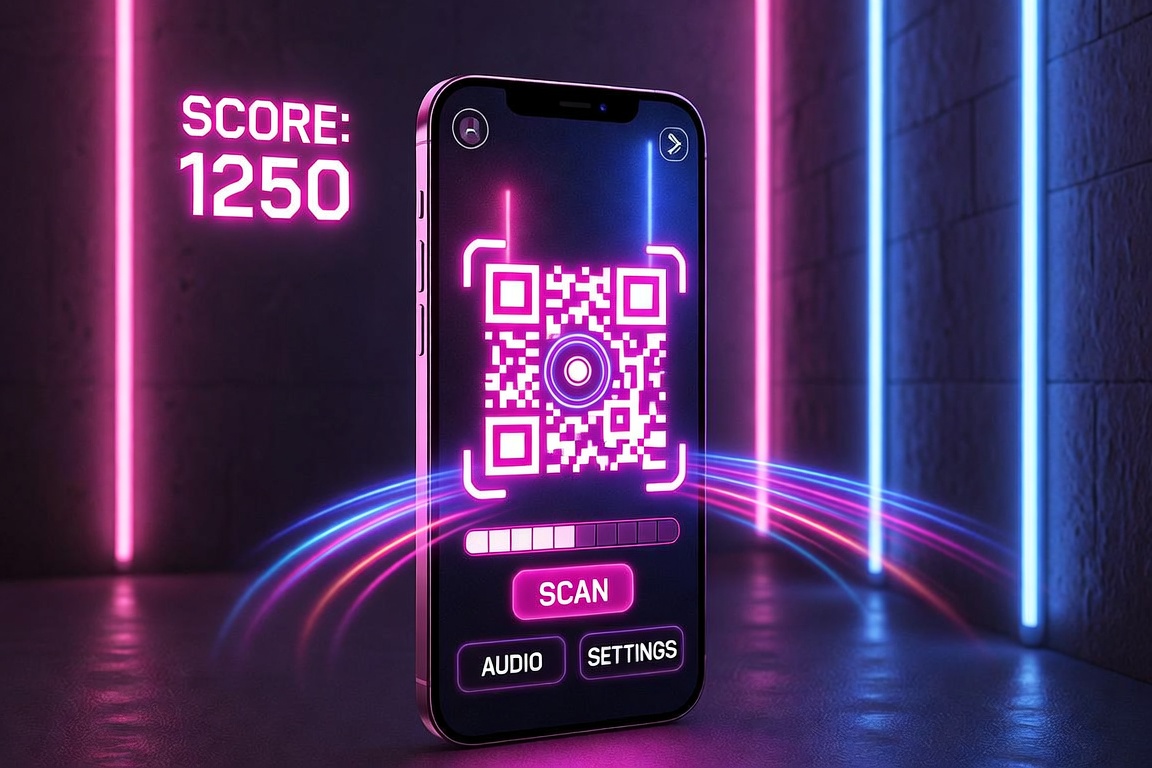
A photocards-and-stickers freebie dies the moment you print your phone number, Instagram handle, or a “DM me” line on the back. People pocket the gift, never write, and you cannot tell what is still available.
QR × Freebies = Qrblox. Put one round QR on the pack or sticker. The scan opens a browser claim page at https://qrb.dev/f/{CODE} — live N left, then TAKEN when the item is gone. Qrblox is the key, never the gift.
Make the mark: Round QR code generator (the same circular QR code generator). Then download Qrblox to list the freebie or mint a pack. Scanners do not need the app to see the page.
Why the QR should open a claim page
A freebie sticker or photocard is an object. One object should have one job: open the claim for that pack or item.
A claim page can:
- Show what is actually left (live N)
- Mark the item TAKEN after the first successful claim
- Work in any phone browser — no app install just to see the gift
- Let you edit the note, playlist, count, or TAKEN state on the claim page — keep the same printed QR on every card in the pack
Your personal number cannot do any of that. Neither can a locked social profile.
Stickers and photocards: one QR per pack
Keep the object model boring on purpose:
- Mint a pack in Qrblox (iOS app or app.qrblox.com).
- You get a short claim URL in the
qrb.dev/f/{CODE}pattern. - Encode that URL as a round QR so it sits on a circular sticker or photocard without square corners.
- Print one QR per pack or per item — not one QR for your whole catalog.
If twenty photocards share one QR to your bio, twenty people hit the same inbox. If each pack has its own claim code, the first scan can take that pack and the next person sees TAKEN.
How to make a round QR that still scans on a sticker
Use the round QR code generator:
- Paste the claim URL (
https://qrb.dev/f/{CODE}), not a long form or a tracking hop. - Keep Round selected so the dots fill the circle.
- Download the free PNG. Dark dots on white. Do not stretch it into an oval.
- Print at least 2 cm across for a close-range sticker; go 3–4 cm if it will sit on a table or photocard sleeve.
Leave the quiet zone (the white ring) clear. Foil, glitter, or a face printed through the modules will fail in arena lighting.
For size, contrast, and coupon stock, see circular QR codes on printable coupons.
What the scanner should see
The scan should land on the claim page in the browser. They should see the item, the live count, and a clear next step — not a store wall, not a login, not “download this app to continue.”
Qrblox unlocks the page. Qrblox is not the giver. You are still the person who brought the stickers. The app does not become the gift.
If you need a concert drop with a shared live count, use concert and event freebies. If the gift sits on a curb, use list free stuff locally.
Soft CTA
Download Qrblox → list a freebie or mint a pack. Secondary: the claim page stays in the browser at qrb.dev/f/{CODE}.
Every QR is hiding something free. Qrblox is the key.