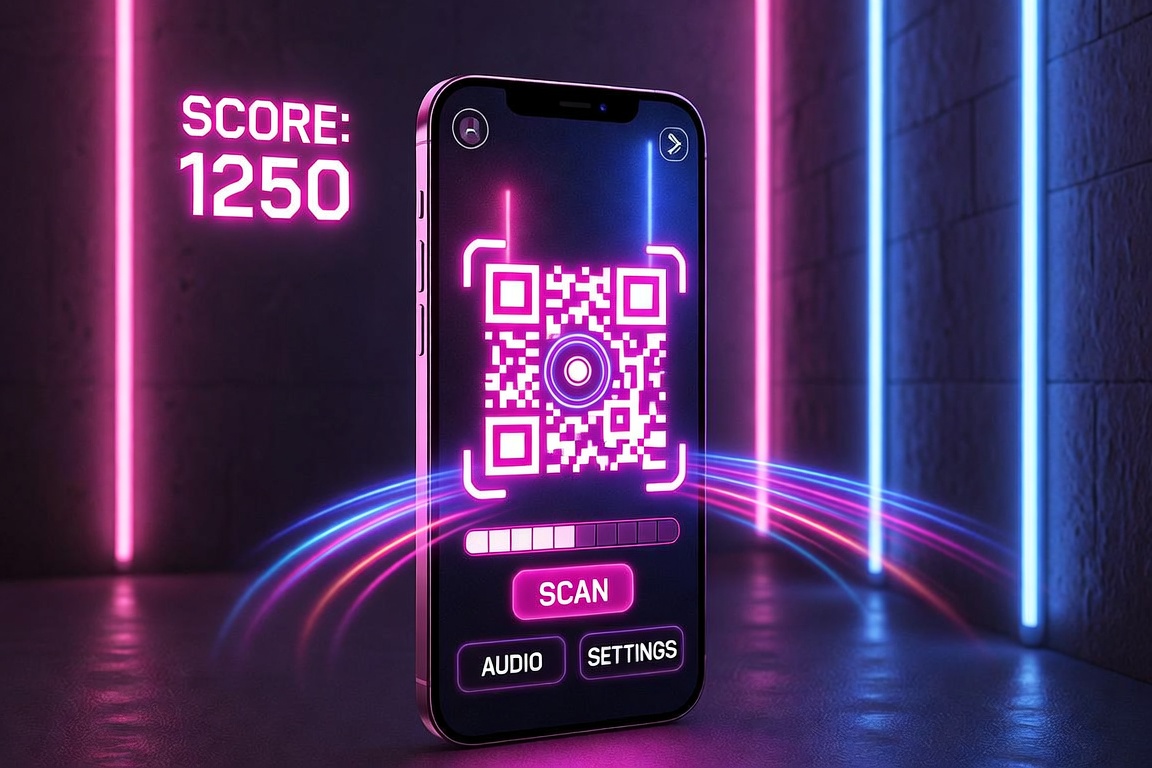
Circular QR Codes on Printable Coupons & Inserts That Still Scan
How to put a circular QR (round QR code generator) on a printable freebie or coupon: size, quiet zone, contrast, and a claim URL at qrb.dev/f/{CODE} — not a tiny gray stamp.
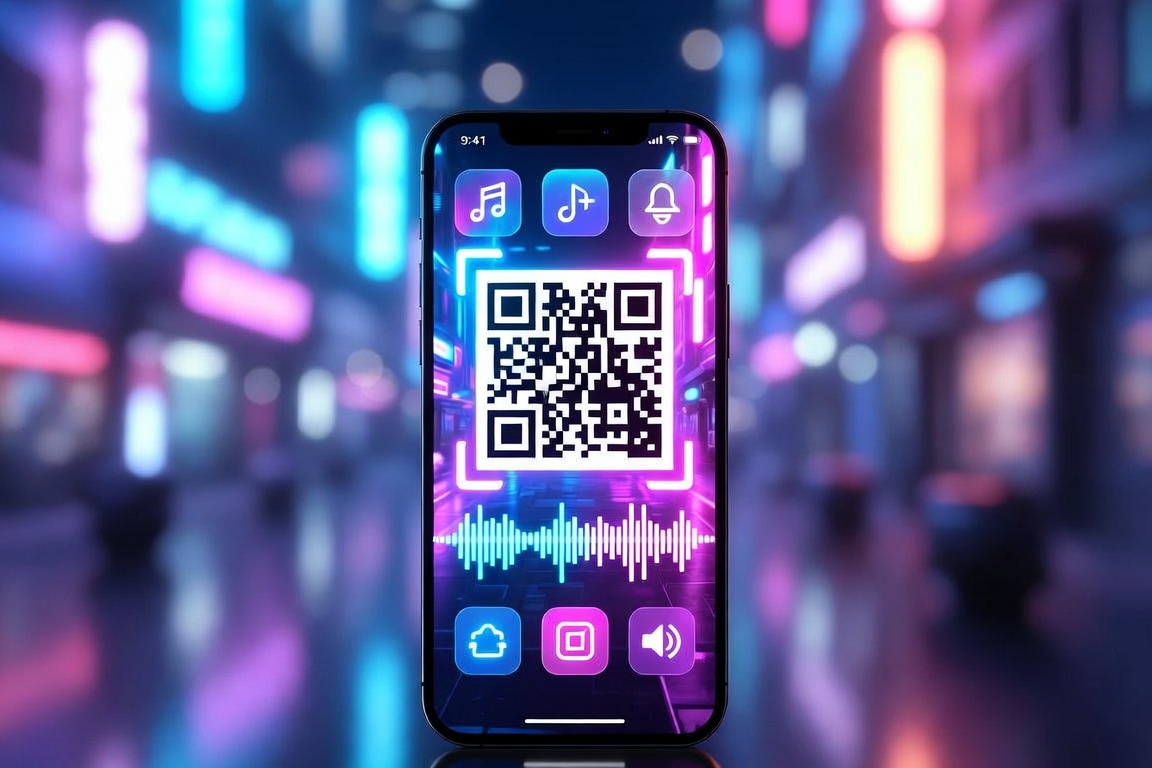
A coupon insert is a terrible place to hide a 1 cm gray QR. Home printers smear. People scan from a kitchen table, not a studio. If the code is the claim, it has to survive the print.
This is the round QR / circular QR code generator angle: make the mark in Qrblox, point it at a freebie claim page, and keep size, quiet zone, and contrast honest.
Tool: Round QR code generator — the same circular QR code generator. Paste
https://qrb.dev/f/{CODE}, keep Round selected, download the PNG. Then download Qrblox to list the freebie or mint the pack.
What to encode
Encode the claim page, not your phone number and not a five-hop tracker.
https://qrb.dev/f/{CODE}
Shorter URL, larger modules, better scan on cheap paper. Qrblox is the key that opens that page. Qrblox is not the coupon.
If you still need a square code for a tight rectangle, use the free generator. Use round when the coupon has a circular badge, a coin-sized stamp, or a die-cut sticker on the insert.
Size
| Where it prints | Minimum diameter |
|---|---|
| Hand-held coupon, close scan | 2 cm (about 0.8 in) |
| Table tent, bag insert, arm’s length | 3–4 cm |
| Window cling or poster insert | Scale up; do not stay at sticker size |
Never shrink to “fit the footer.” Crop copy instead. A code that does not scan is not a coupon.
Quiet zone
The quiet zone is the white ring around the modules. Cameras need it.
- Do not run a colored coupon border through it
- Do not set type (“SCAN FOR FREE”) inside the ring
- Do not use the Qrblox rim as a place to park a logo
The round QR code generator builds a quiet zone in. Keep it.
Contrast
Dark modules on a light field. That is the whole rule.
- Black or near-black dots on white or cream
- No yellow-on-orange “brand playful” codes
- No light-gray codes on kraft paper
- No reversing the dots to white on a photo background unless you have tested both iPhone and Android on the real print
Home inkjet + kraft paper is the usual failure. Print one proof. Scan it in the room where people will actually stand.
Coupon and insert layout
- Mint the pack or list the freebie in Qrblox / app.qrblox.com.
- Generate the circular QR at 1024px PNG (free, no signup).
- Place it at 1:1 — do not stretch to an oval to match a rectangular coupon.
- Put a short human line next to it: “Scan to claim — opens in your browser.”
- Do not write “download the app to redeem.” The claim page is the redeem. Forcing an install just to see the offer is one of the mistakes that kill free packaging.
Legal fine print can sit elsewhere on the insert. The QR’s job is the claim, with live N left if you are running a counted pack.
Print checklist (one pass)
- Dark on light
- ≥ 2 cm, larger if they are not holding it
- Quiet zone clear
- Claim URL, not a retargetable ad hop
- Proof scan on the actual stock
- TAKEN works when the last coupon is gone — you do not reprint a lie
More packaging surfaces: circular QR codes for packaging and stickers and how to make a round QR.
Soft CTA
Download Qrblox → list a freebie or mint a pack. Secondary: scanners stay in the browser at qrb.dev/f/{CODE}.
QR × Freebies = Qrblox. The coupon is still yours.